Start botSTART
Start the linked device straight from the panel.
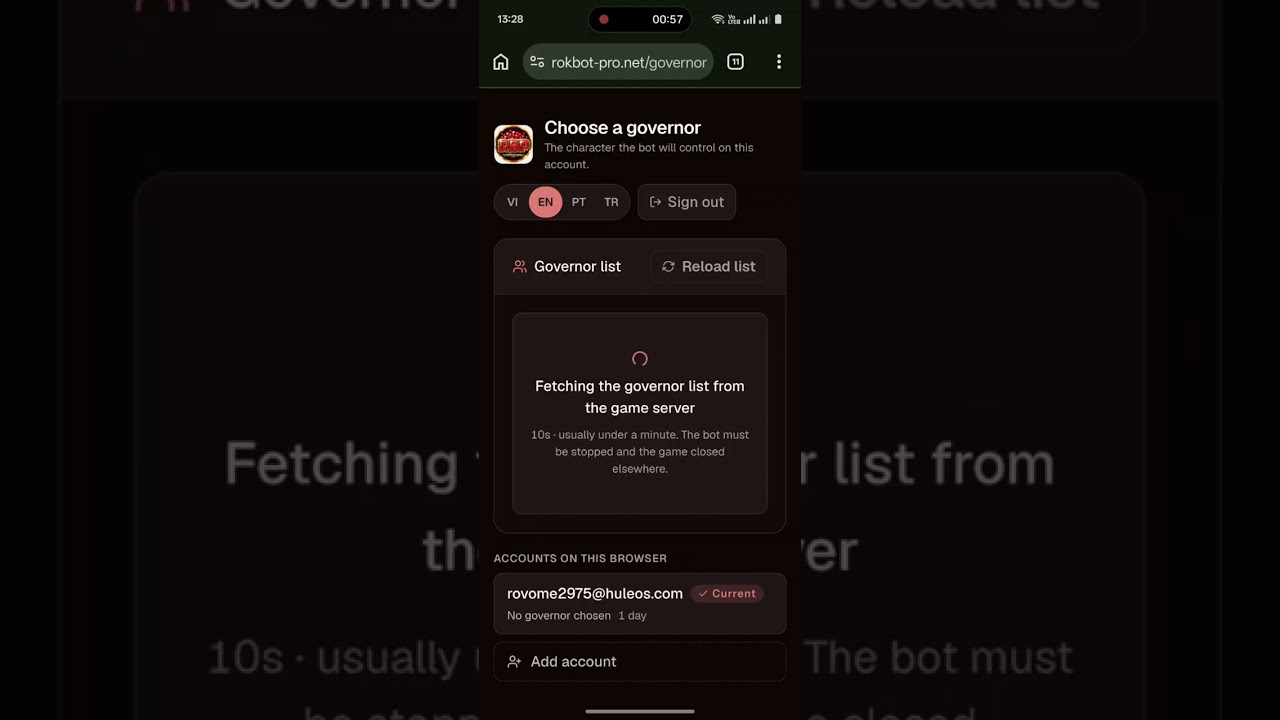
Every day-to-day action — starting the bot, switching features on or off, checking device status — now happens on the Rok Bot Pro Web Panel, in any browser on your phone, tablet, or PC.
Instead of typing chat commands, you see every linked device and every feature on one screen. Each feature has its own ON / OFF switch, so there is nothing to memorize.
The panel runs in the browser, so it works the same on an iPhone, an Android phone, a tablet, or a computer. There is no app to install.
Open Web PanelDiscord is still where you sign up, pay, and get support — the bot itself is controlled on the panel.
Web control center
Choose a linked device, switch individual features on or off, and follow its live status — all from the Rok Bot Pro Web Panel.
Start the linked device straight from the panel.
Stop the bot safely, e.g. before you play manually.
See whether the device is running and when it last updated.
Turn gem node gathering on or off.
Control food, wood, stone and gold gathering.
Manage automatic barbarian hunting.
Attack marauders automatically.
Join your alliance rallies automatically.
Launch rallies on barbarian forts automatically.
Keep troop training queues running.
Heal wounded troops in the hospital automatically.
Open the Rok Bot Pro Web Panel and sign up with your email or your Google account.
Message us on Discord, pick a plan and complete payment — our admin then activates your device on the panel.
Open your linked device, press START / STOP and switch each feature on or off.
Register a plan on Discord, then control everything from the Web Panel.